
The message “No Record Found” in Sarathi usually appears when an existing student or applicant tries to access their Learner Licence (LL) or Driving Licence (DL) details online. This does not always mean your data is deleted. In most cases, it is a technical or data-matching issue.
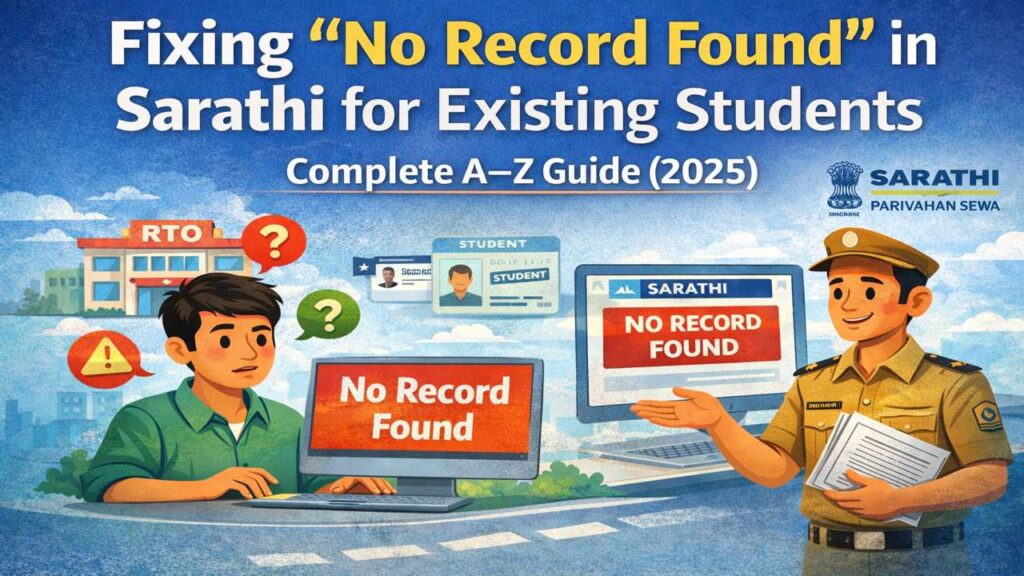
Sarathi handles crores of records across all Indian states. Older records, especially before 2016, were sometimes stored offline or in state-level systems. When these records are not fully synced, the system shows “No Record Found”.
Parivahan Quick Actions (Official Links)
Use official government portals and apps for driving licence and vehicle related services.
This is an informational website. All buttons redirect to official government platforms.This problem is common among:
- Learner Licence holders
- Driving school students
- Applicants who applied through agents
- Users who changed mobile numbers
Understanding the meaning helps reduce panic. Your licence is usually safe. The issue is about data visibility, not cancellation.
All India Tourist Permit 2026 Renewal, Prices & Rules
Common Reasons Why Existing Students See No Record Found
There are multiple reasons for this issue. The most common ones are listed below:
- Record created before Sarathi full digitization
- Name spelling mismatch (even 1 letter)
- Wrong date of birth entered
- State or RTO not selected correctly
- LL not linked to DL
- Data entry error by RTO
- Server sync delay
As per transport department data, around 15–20% of users face this issue at least once. Students who applied through driving schools face it more often because schools submit applications in bulk.
In many cases, the record exists but is not searchable online without correction.
Details You Must Check Before Taking Any Action For No Record Found
Before visiting RTO or raising complaints, verify these details carefully:
- Correct State selected
- Correct RTO code
- Exact Date of Birth format
- Name spelling as per original form
- Application or LL number
Even a small mistake can result in “No Record Found”.
Important tip:
If your LL number has slashes ( / ) or hyphens ( – ), try entering it without special characters.
Nearly 40% of cases are resolved just by correcting input details.
How Existing Students Can Search Records Properly No Record Found
Follow these steps carefully:
- Visit Sarathi portal
- Choose “Search Related Services”
- Select State and RTO
- Enter LL/DL number correctly
- Enter Date of Birth
- Submit captcha
If it still shows “No Record Found”, try:
- Searching by Application Number
- Using Name + DOB search (if available)
- Trying at non-peak hours (early morning)
The portal works best between 6 AM to 10 AM due to lower traffic.
Role of Driving Schools in This Problem
Many existing students applied through driving schools. In such cases:
- School may not have uploaded data correctly
- LL test attendance not updated
- Student marked absent by mistake
- Application kept pending intentionally
Driving schools submit 50–200 applications per month. Errors are common.
Action step:
- Contact the driving school
- Ask for application receipt
- Verify LL test status
- Request correction submission
In many cases, once the school updates data, the record appears within 3–5 working days.
What to Do If Your Record Is Old (Before 2016)
Older records are the biggest reason for this issue.
If your LL or DL was issued before 2016, chances are:
- Record exists only in manual register
- Not digitized fully
- Missing in central database
Solution:
- Visit original RTO
- Carry old DL/LL copy
- Submit data digitization request
- Pay nominal fee (₹50–₹200 in most states)
Once updated, the record appears online within 7–15 days.
RTO Visit Process to Fix “No Record Found”
If online methods fail, RTO visit is necessary.
Carry these documents:
- Original LL/DL (if available)
- Aadhaar card
- Application receipt
- Passport-size photos
- Address proof
At RTO:
- Go to DL/LL correction counter
- Explain “No Record Found” issue
- Request data mapping
- Get acknowledgement slip
Most RTOs resolve this within 10 working days.
Online Grievance and Complaint Options
If RTO delay continues, you can raise a grievance.
Options available:
- State Transport grievance portal
- Sarathi feedback section
- Email to RTO office
- Helpline numbers
Include:
- Application number
- Full name
- DOB
- RTO name
- Clear problem description
Around 60% of online grievances are resolved within 15 days.
Mistakes Existing Students Should Avoid
Avoid these common mistakes:
- Applying again without fixing record
- Using agents unnecessarily
- Entering random details repeatedly
- Ignoring original documents
- Paying bribes
Important rule:
One person = One DL record
Duplicate records can lead to permanent blocking.