
A Vehicle NOC means No Objection Certificate. It is an official document given by the Regional Transport Office (RTO) that says the authority has no objection to your vehicle being transferred, sold, or registered in another state or district. This certificate allows you to take your vehicle out of one state or RTO jurisdiction and register it elsewhere.
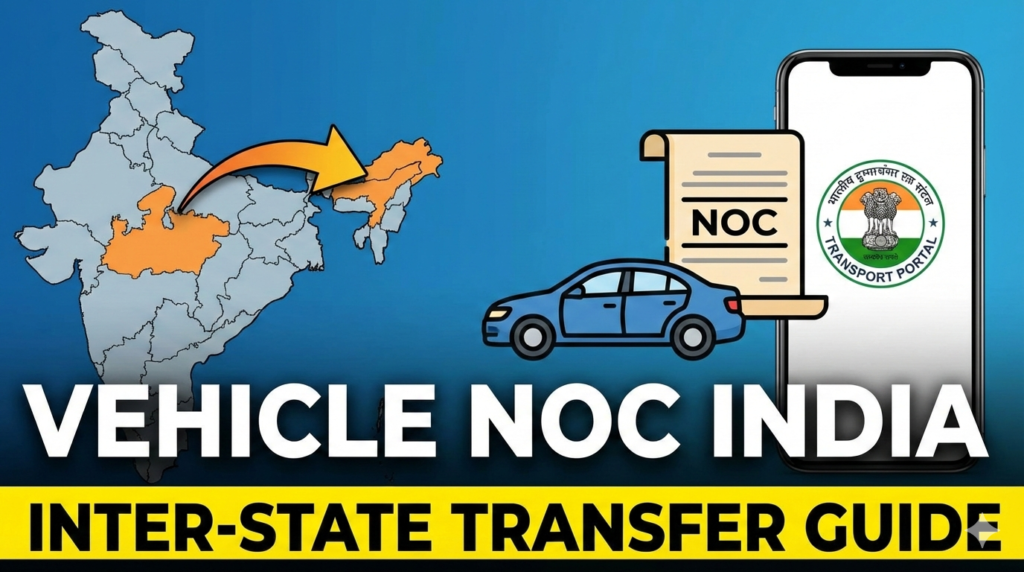
In simple terms, it proves that the original RTO has cleared your vehicle for transfer. Without this certificate you cannot re-register the vehicle in another state or even sell it legally in many cases.
Pay Online Vehicle Border Tax in 2026,Know,Pay & Check Status
Parivahan Quick Actions (Official Links)
Use official government portals and apps for driving licence and vehicle related services.
This is an informational website. All buttons redirect to official government platforms.Why Do You Need a Vehicle NOC?
A vehicle NOC is necessary in these cases:
- You want to sell your vehicle in another state.
- You want to transfer the vehicle to another RTO (for moving or changing address).
- You want to change ownership of the vehicle legally.
The NOC tells the next RTO there are no pending dues, taxes, or objections on the vehicle.
Law Behind NOC
The Motor Vehicles Act in India allows a vehicle owner to request a NOC when they want to remove or move the vehicle out of the original registration area. The rules specify that you must apply in Form 28 to the registering authority and pay any pending taxes or dues before NOC can be issued.
For commercial vehicles, extra documents like fitness certificates, permits, and tax clearance may also be needed.
What Documents You Need
Here are the common documents required for an NOC application:
- Form 28 filled and signed by the owner.
- Registration Certificate (RC) of the vehicle.
- Insurance certificate of the vehicle.
- Proof of up-to-date road tax payment.
- Pollution Under Control (PUC) certificate.
- Chassis and engine pencil print.
- Identity proof of the owner.
Some states may ask for additional documents, especially for transport vehicles.
Online NOC Through Parivahan Sewa
The Government of India offers online services through Parivahan Sewa where you can start your NOC application. The portal is part of the broader transport services system including vehicle registration and driving licences.
The online application helps you fill and submit the form from home without visiting the RTO office first. Once submitted, the RTO may call you for document verification or ask you to submit original documents physically if required.
Step-by-Step NOC Online Process
Here’s a typical online process:
- Go to Parivahan Sewa official website.
- Navigate to Online Services → Vehicle Related Services.
- Choose your state and RTO unit.
- Enter your vehicle registration number and sometimes the last 5 digits of the chassis number.
- Select Application for No Objection Certificate.
- Upload scanned copies of all required documents.
- Pay the fee online using the portal payment options.
- Submit the form and print the acknowledgement/receipt.
After this, the RTO will process your application and issue the NOC once everything is correct.
What Happens After Submission
Once you submit the online application:
- You get an acknowledgement number.
- You can track status online using this number.
- The RTO will check your documents and details.
- If all is in order, the NOC will be approved and issued.
Often you may need to visit your RTO with originals for verification before the certificate is printed or handed to you.
Fees and Timeline
Fees for issuing a NOC vary by state and type of vehicle. Some states charge a small fixed amount, others may vary. You can pay this online during application.
The time it takes for approval also varies with the RTO workload and verification checks. Planning ahead helps avoid delays in sale or registration processes.
Common Mistakes to Avoid
These tips can save time:
- Make sure the RC and insurance are valid before applying.
- Pay all pending taxes or challans before submission.
- Enter correct vehicle details (registration, chassis, address).
- Upload clear, correct documents.
Missing or wrong information can delay the process. Always check twice before submitting.
Final Notes and Tips
Online NOC applications make the process easier and reduce time spent at the RTO. However, even after applying digitally, you might need to visit the RTO for final verification or to collect the certificate.
Always use official government portals like parivahan.gov.in to avoid fake sites. Also keep proof of payment and acknowledgment safe until the certificate is issued and your transfer or sale is complete.